Charts
Layouts
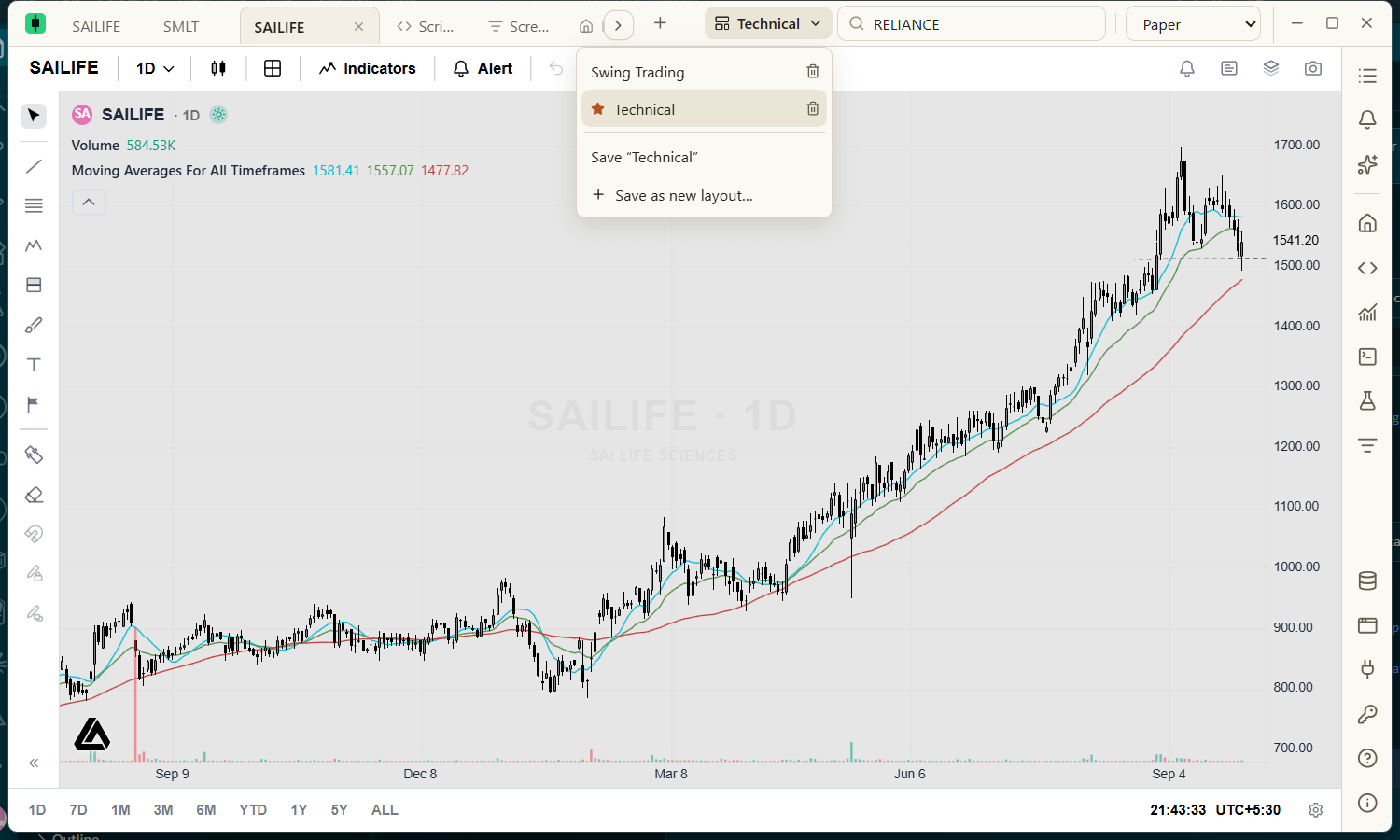
Save and restore your whole charting session.
A layout records every chart tab: its grid, and each chart's symbol, timeframe, indicators (including your Pine scripts), drawings and settings, plus which tab was active. It does not record the theme, and it does not include the Python, Studies or Screener tabs.
| Action | Result |
|---|---|
| Save as new layout… | Type a name and press Enter to save the current session as a new layout. |
| Save | Overwrites the layout you are working in. |
| Choose a layout | Replaces your chart tabs with the saved ones. |
| Set as default | Opens this layout whenever the app starts, and uses its first chart as the template for new tabs. |
| Delete (bin icon) | Removes a saved layout. Your open charts stay open. |