Research
Ask AI
An assistant that answers questions and proposes actions for you to approve.
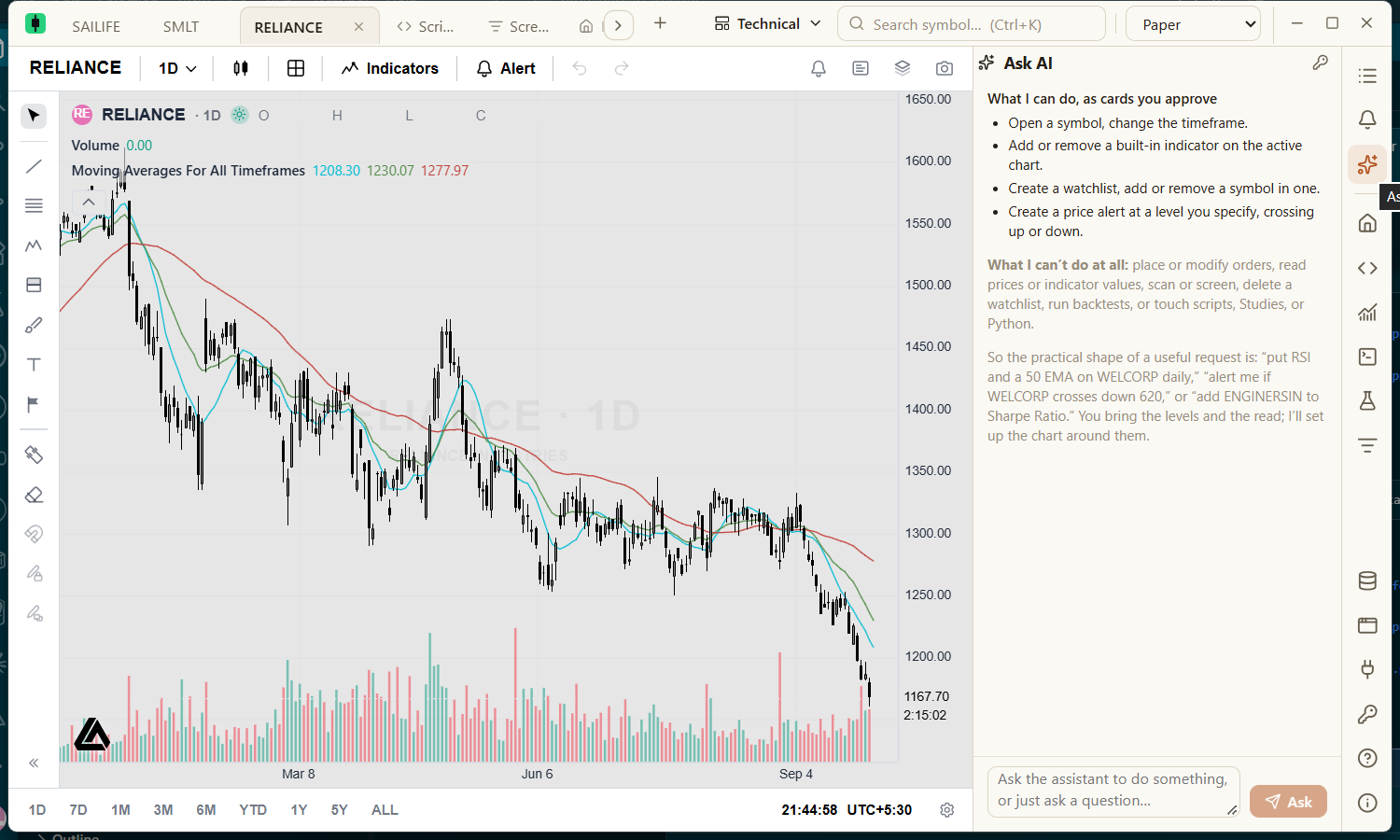
Open Ask AI from the right rail, type a question or request, and press Ask (Ctrl+Enter). It needs an AI provider key — see AI providers.
Actions you approve
The assistant can propose these actions. Each appears as a card, and nothing happens until you press Approve:
- Open a symbol on the active chart, or change its timeframe.
- Add or remove a built-in indicator on the active chart.
- Create a watchlist, or add or remove a symbol in one.
- Create a price alert at a level you specify.
Reject, or ignoring a card, does nothing. The assistant cannot place orders, delete watchlists or layouts, change settings or credentials, or use Python, Studies or the Screener.
What is sent
Your conversation, the active chart's symbol and timeframe, the labels of your open tabs and the names of your watchlists go to the AI provider you chose. The contents of your watchlists, your credentials and broker tokens are never sent.